DALL-E from the CLI
• Tools, Generative Art
Generating images via OpenAI's API is useful for rapid prototyping, especially when building UIs or filling in placeholder assets. The web playground and ChatGPT are fine for experiments, but they add friction when you want quick iterations, batch outputs, or a tight local workflow.
To remove that friction, I built a lightweight CLI called dall-e that calls the Images API, handles the response, and saves outputs to disk. The goal is minimal overhead: invoke from the terminal, get timestamped PNGs, and keep prompts traceable in shell history.
I published it as @storbeck/dall-e on npm so anyone can install it and run the same workflow.
Core usage
Install from npm:
npm install -g @storbeck/dall-e
Set the API key:
export OPENAI_API_KEY=sk-...
Generate images:
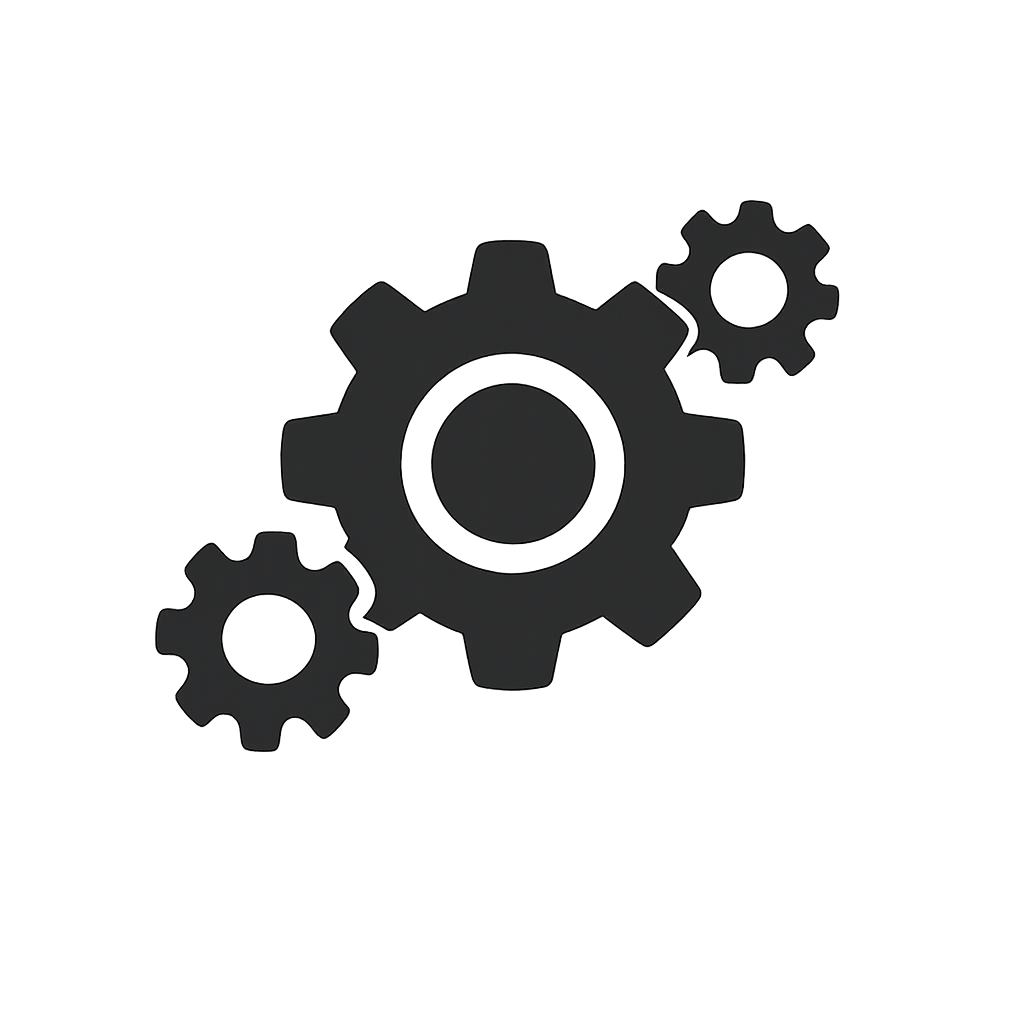
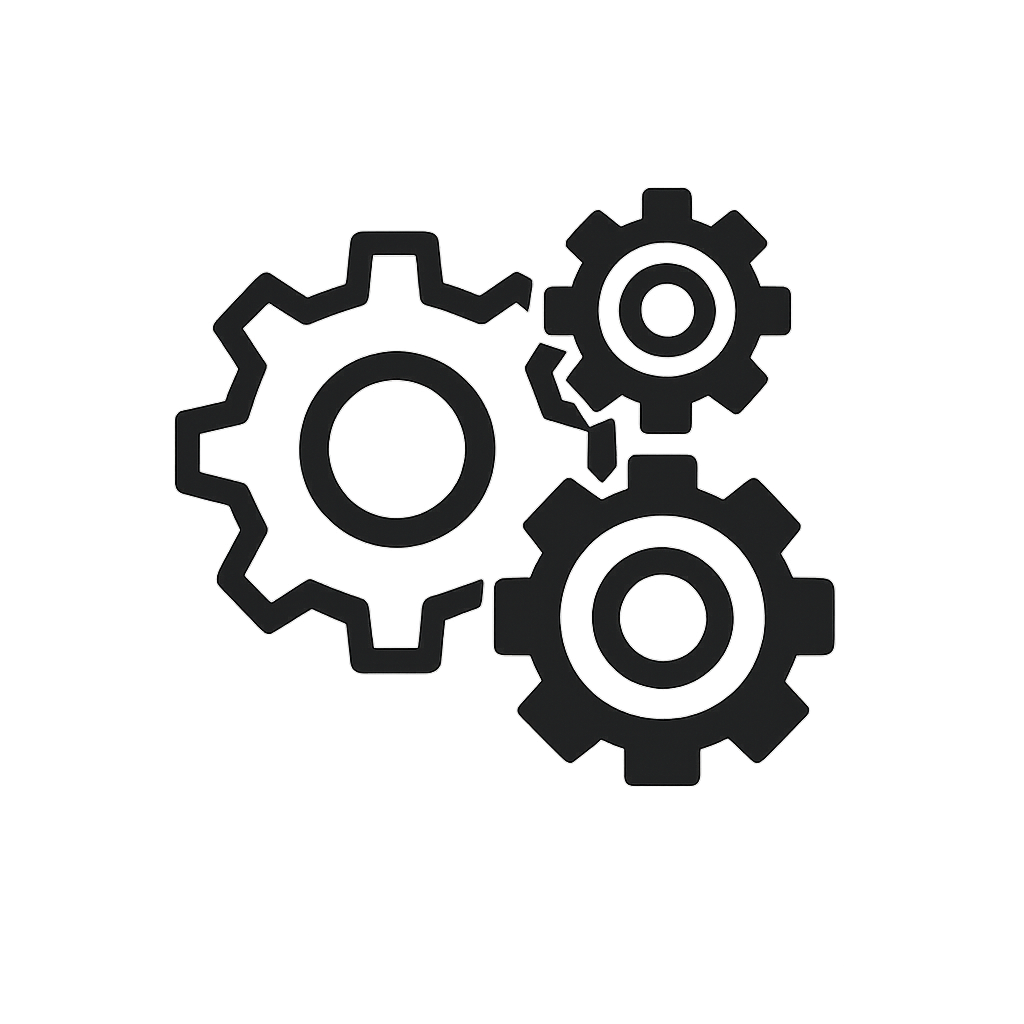
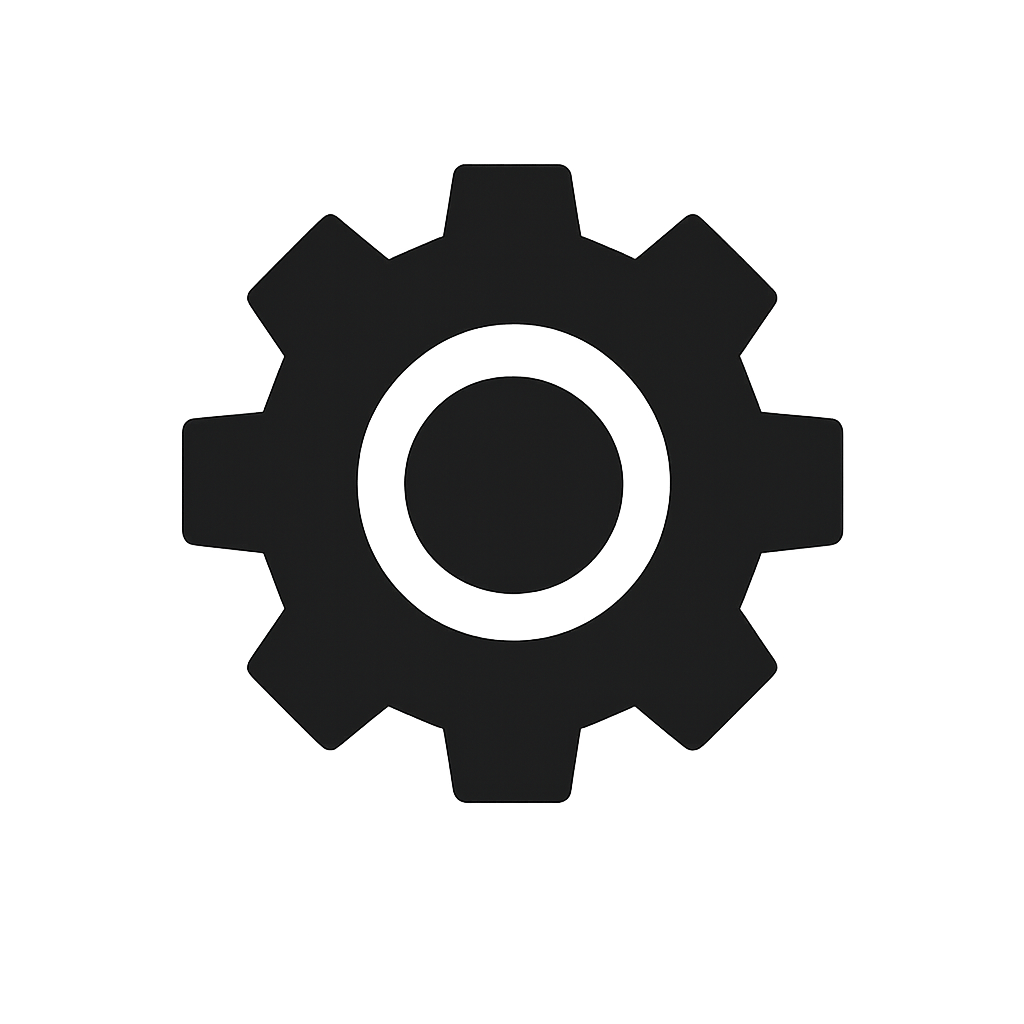
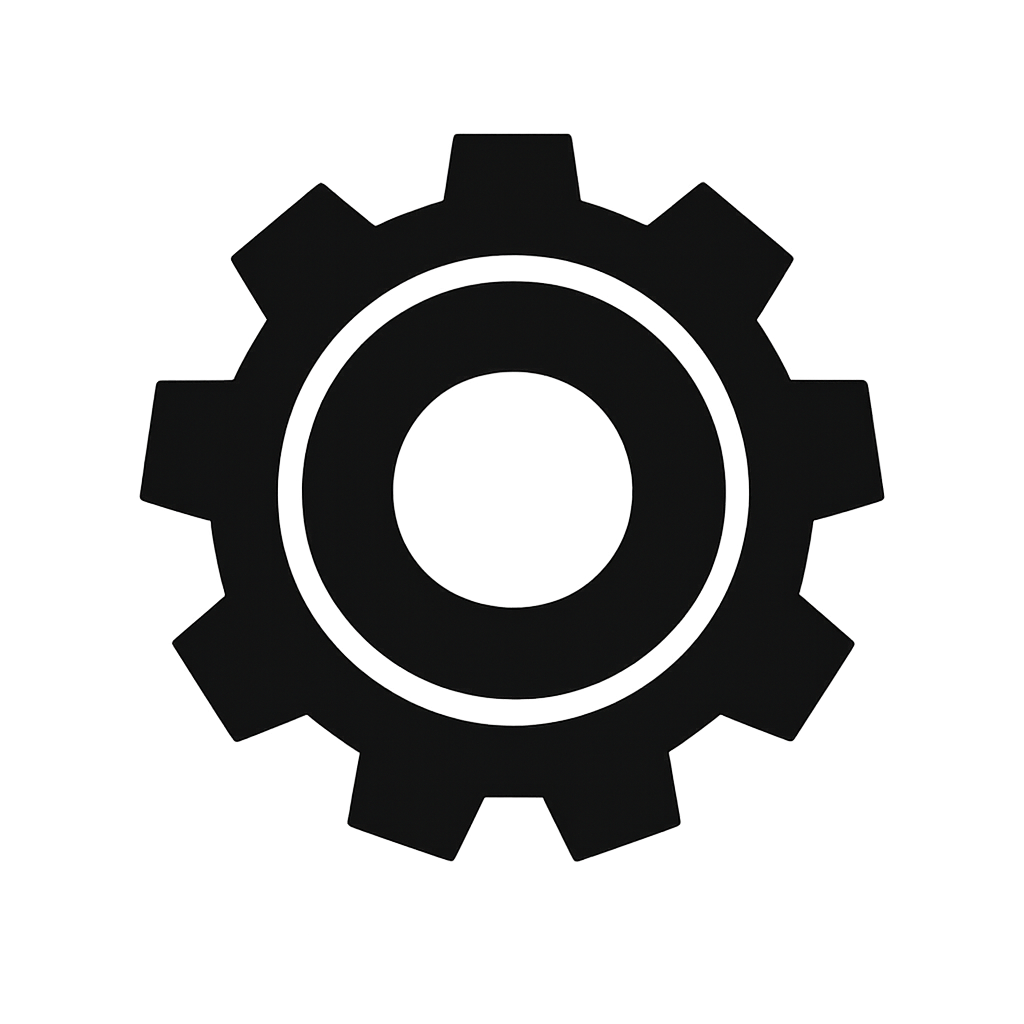
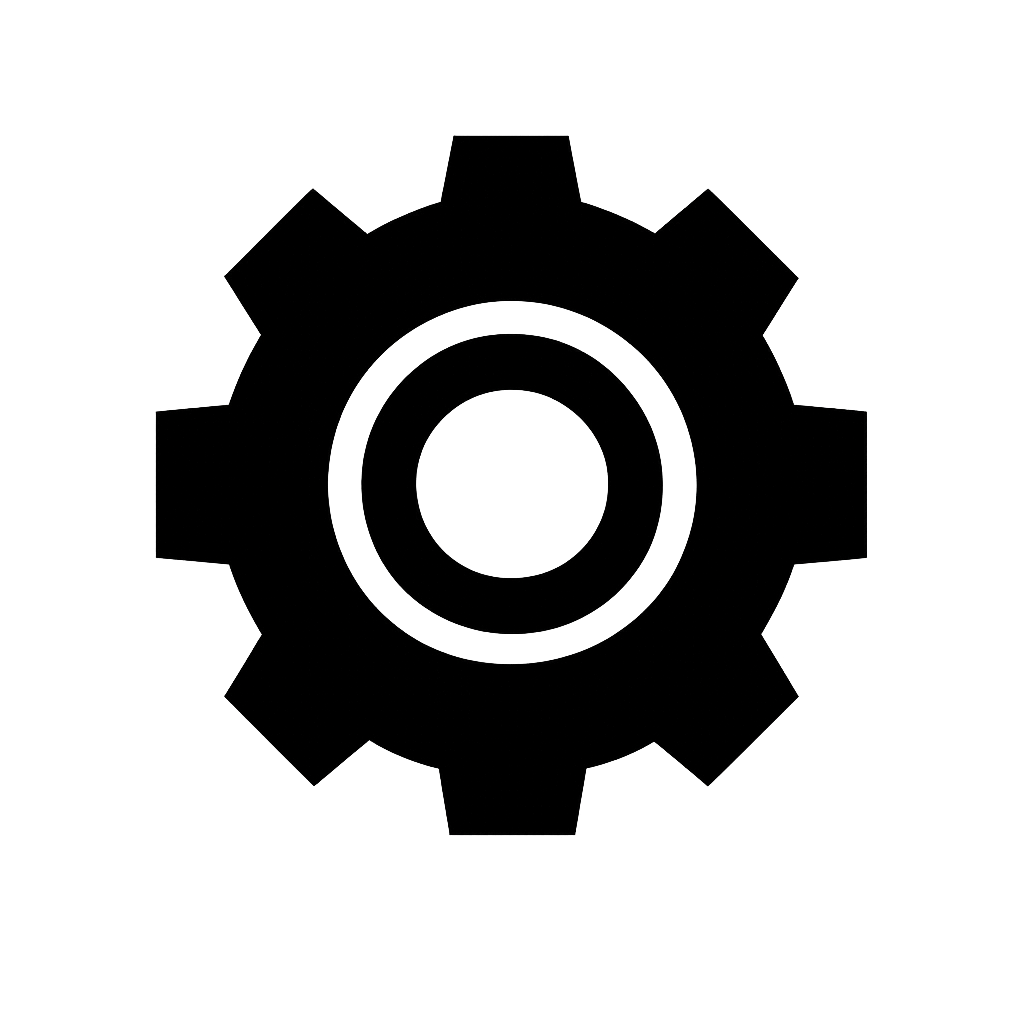
dall-e -p "minimal flat icon of a gear settings symbol, monochromatic black on transparent background, sharp edges" -n 3 --size 1024x1024 --name gear-icon

Saved: outputs/gear-icon-2026-01-12T12-43-35-563Z-01.png
Saved: outputs/gear-icon-2026-01-12T12-43-35-563Z-02.png
Saved: outputs/gear-icon-2026-01-12T12-43-35-563Z-03.png
Implementation overview
The CLI is a single Node.js script with no dependencies beyond built-ins. It does simple argument parsing, reads OPENAI_API_KEY, POSTs to the Images API, and writes files with timestamped names.
Simplified core request:
const res = await fetch("https://api.openai.com/v1/images/generations", {
  method: "POST",
  headers: {
    Authorization: `Bearer ${key}`,
    "Content-Type": "application/json",
  },
  body: JSON.stringify({
    model: args.model || "gpt-image-1",
    prompt: args.prompt,
    size: args.size || "1024x1024",
    n: args.count || 1,
  }),
});
Tooling options and usage ideas
Available flags:
--modelswap models when needed--sizeoutput size-ngenerate a few variations fast--namekeep files grouped by asset
Good fits:
- UI icon batches (generate 2–4 options and pick the cleanest)
- Placeholder art for prototypes or landing pages
- Quick style exploration before a real illustration pass
- Starting points for edits in GIMP or a vector pass in Figma
Relevant docs:
- https://help.openai.com/en/articles/11128753-gpt-image-api
- https://help.openai.com/en/articles/8555480-dalle-3-api
- https://platform.openai.com/docs/guides/images-vision
Organization verification surprise
Using the image API just requires organization verification now. For me it was a simple driver's license upload through the OpenAI settings flow. After approval and a short delay, requests started working and images came back fine. The official steps are here: https://help.openai.com/en/articles/10910291-api-organization-verification
Workflow integration
My goal is to transition image generation from a sporadic, one-time prompt approach to a more integrated, composable tool that can fit into broader scripts and workflows. While spontaneous generation has its merits, the real advantage is a lightweight CLI hook that makes image creation feel like a normal part of the dev loop.
This eliminates the need to launch apps like Draw Things, Grok, or ChatGPT, wait for initialization, and sit through long loading times. Instead, image generation becomes a simple scripted action: triggered inline, executed asynchronously, and ready on disk.
That means on-demand image creation inside bigger automation pipelines for build scripts, content generation, UI prototyping, or agent-driven tasks. It turns generative imagery from a novelty into reliable infrastructure, available wherever my existing tools already run.
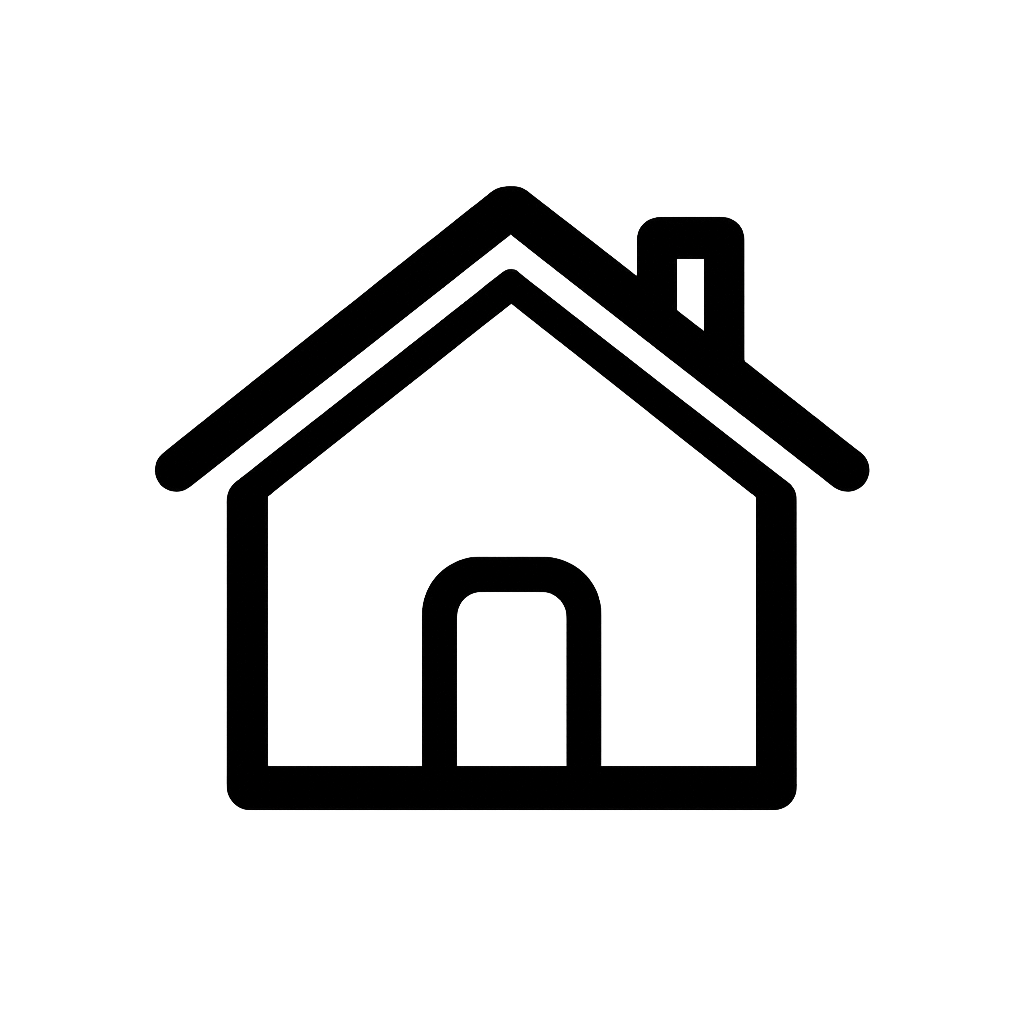
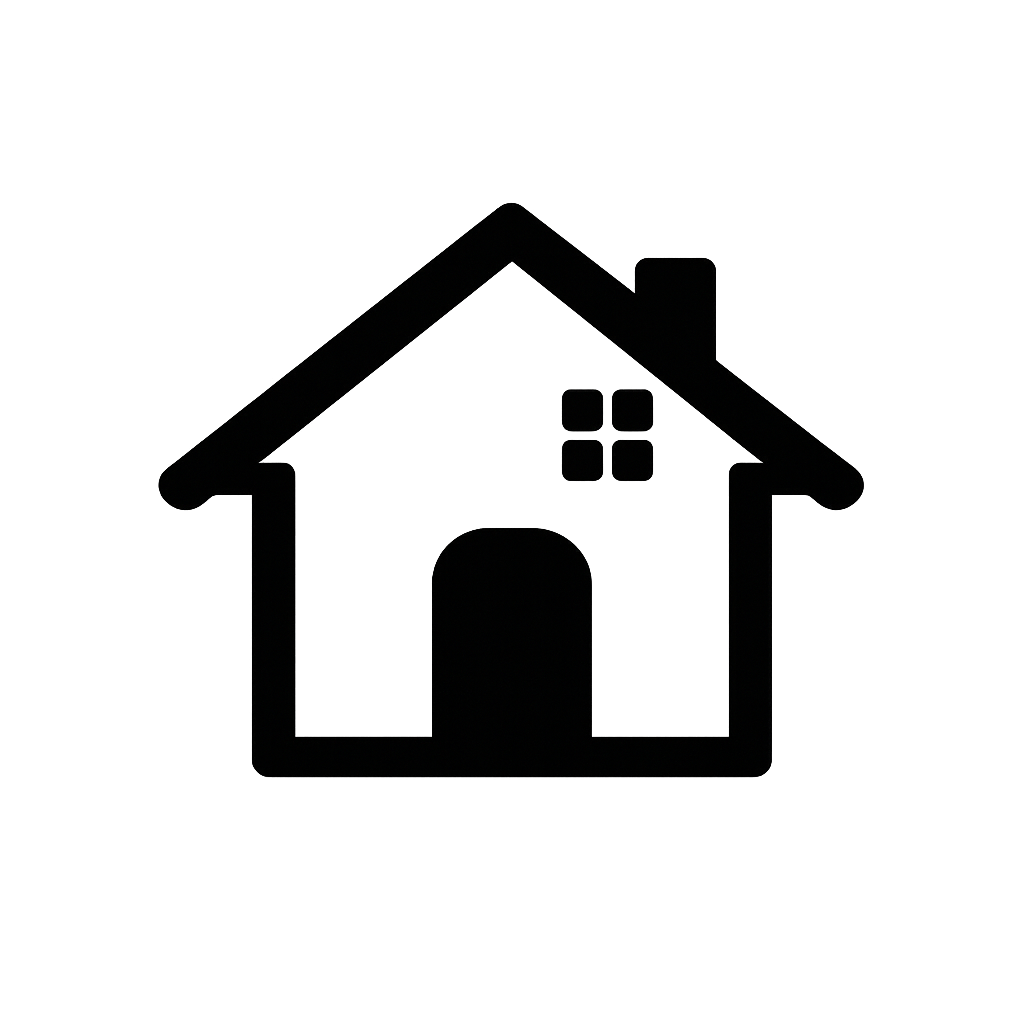
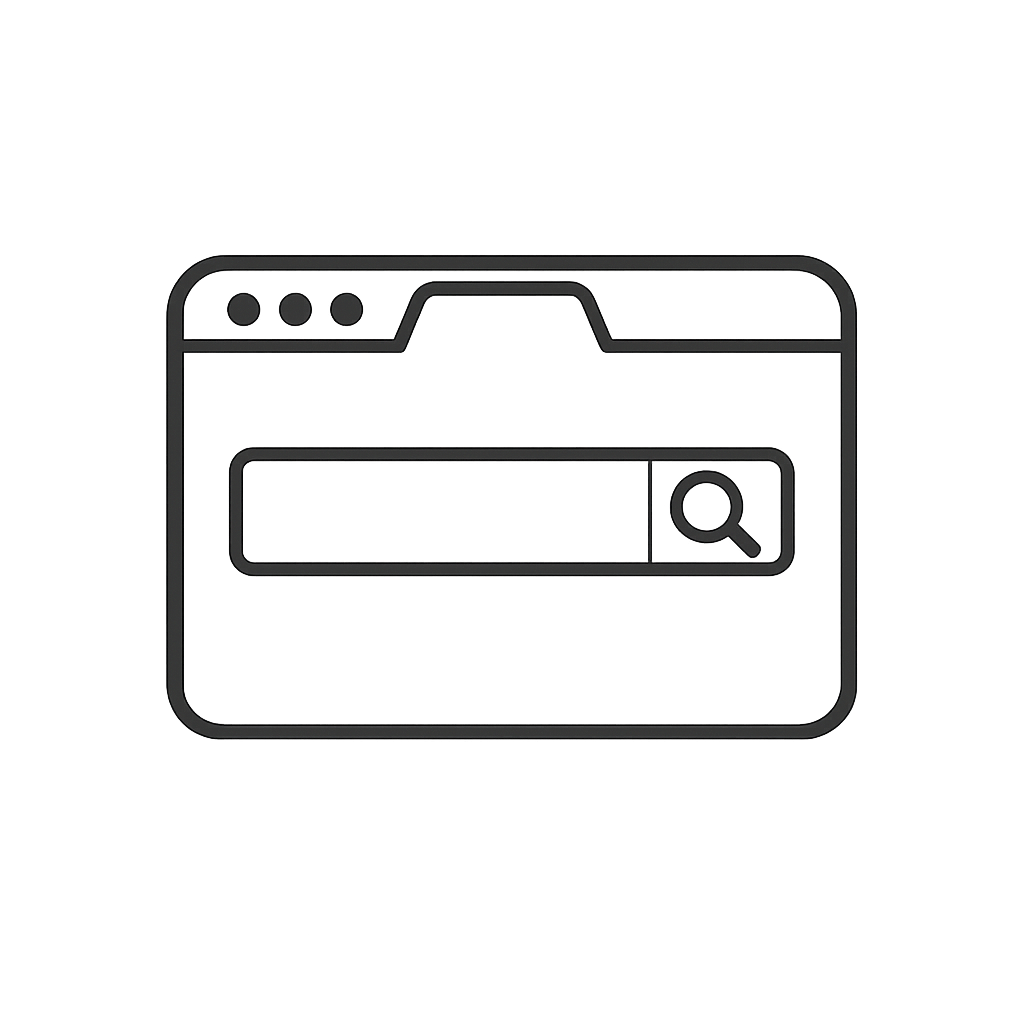
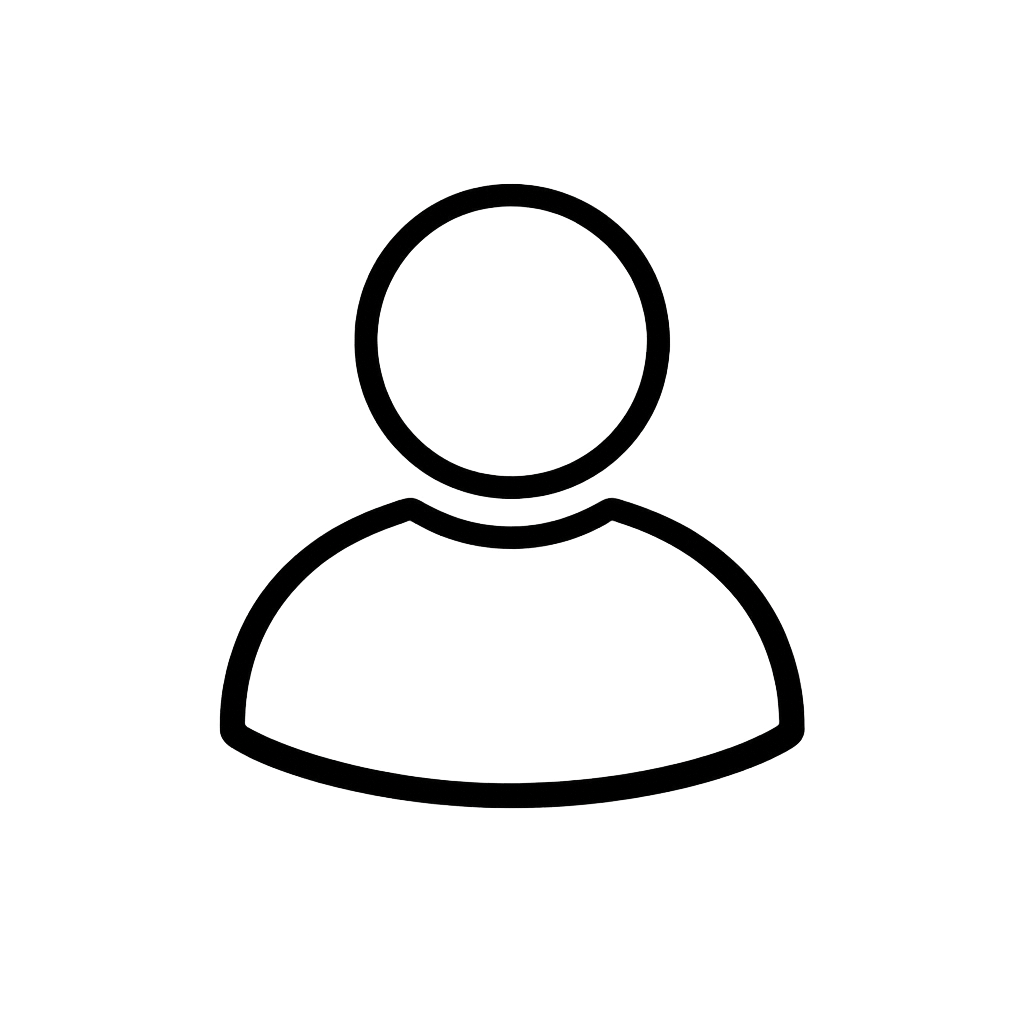
Example: generate a dashboard icon set:
for icon in home search profile settings; do
  dall-e -p "clean vector icon for $icon tab, monochromatic, transparent background, 1024x1024" --name "tab-$icon" -n 2
done
Here are two variations each for home, search, profile, and settings. The small differences give me choices before I clean one up in GIMP or layer effects on top.


The tool is open source at https://github.com/storbeck/dall-e-cli if you want to poke around.