Maze Night With The Kids
• Family Projects, Go
My son loves mazes. We have plenty of maze books (they’re great!), but sometimes he wants something easier, or he wants to solve it with me right on the computer. So I wrote a Go command that spits out a fresh PNG whenever he asks for one. It uses the Hunt-and-Kill algorithm, takes width/height/cell-size flags, and saves the file locally so we can trace it on the MacBook or print it for crayons.
The repo is tiny, open source, and easy to tweak if you want different colors or presets:
Quick example
make build
./bin/mazeimg             # default 20×20 cells
./bin/mazeimg -letter     # fills most of letter paper
./bin/mazeimg -letter -width 10 -height 10
Half the fun is tinkering with the numbers together. He gets to see how changing width/height affects the output, and we talk a bit about how the generator wanders around to carve paths.
Download a few of ours
If you just want to print something, here are three PNGs pulled straight from our stash.
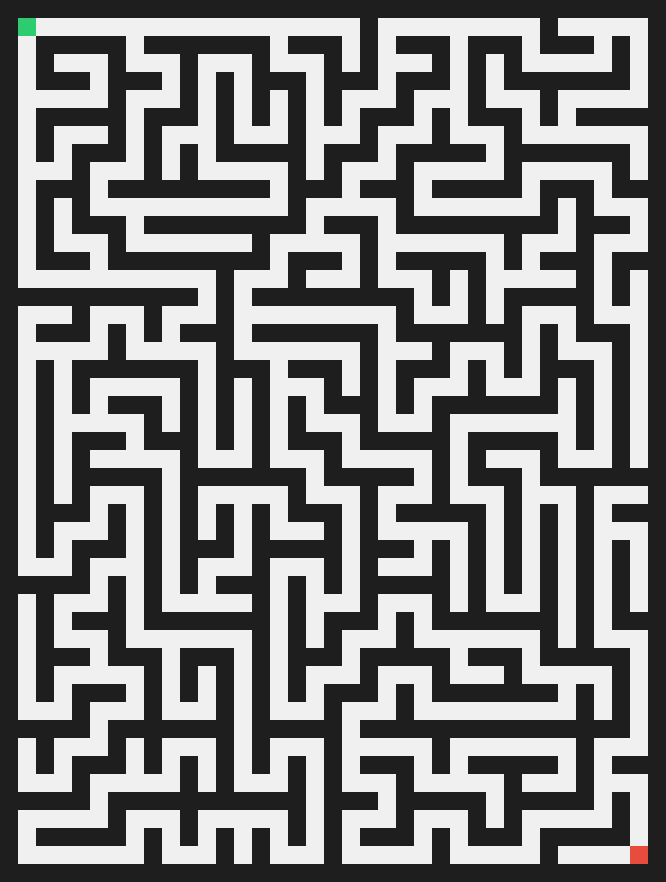
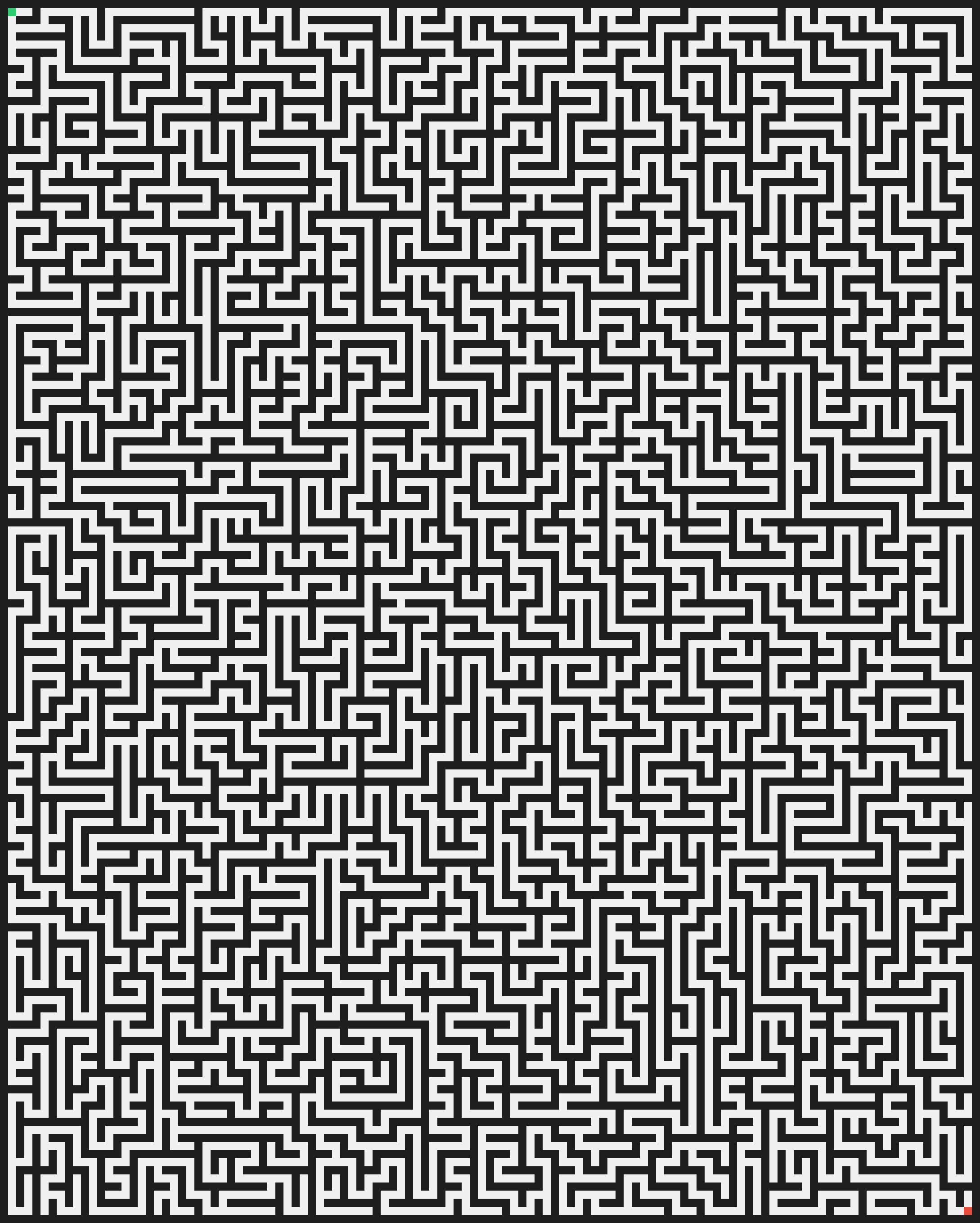
-letter.