Quick n' Dirty AI Image Generation
• Generative Art, Workflow
AI image generation doesn’t need a paid cloud tool. SDXL Turbo plus Draw Things on an M5 MacBook Pro runs everything locally, so there’s no subscription meter—just a quick model download and fast storage. With 3 inference steps and the Euler A (Substep) sampler, I can turn a scribbled idea into a publishable render before Finder can finish syncing screenshots.
The three steps
- Load SDXL Turbo: Select the built-in SDXL Turbo checkpoint in Draw Things and keep CFG near 4, nudging up or down depending on how literal you want the prompt to be.
- Set Euler A Substep: In Sampler settings choose Euler A (Substep) and set Step Count to exactly 3. Going past five steps makes Turbo get oily and over-baked, so I keep it between two and five.
- Prompt, queue, publish: Drop in a reference idea, spin up a couple of seeds, and export the keepers so you can post or iterate immediately.
No loras, no ControlNet, and no extra passes—the point is to stay within three steps so ideation never stalls.
Sample outputs
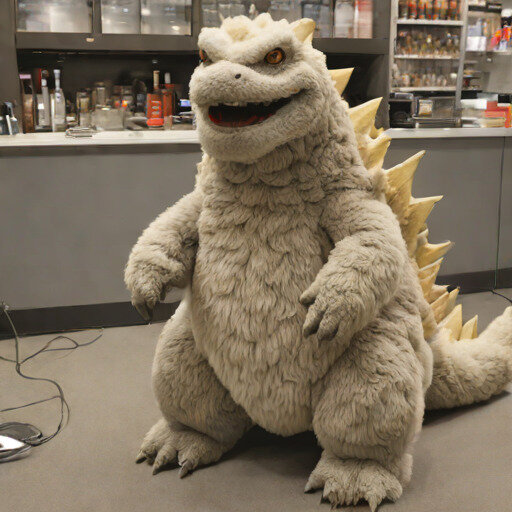
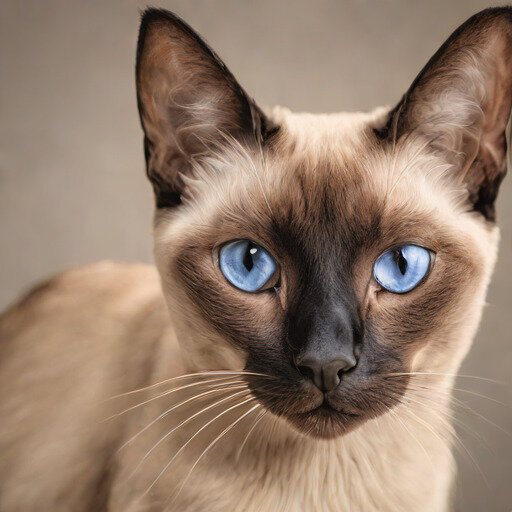
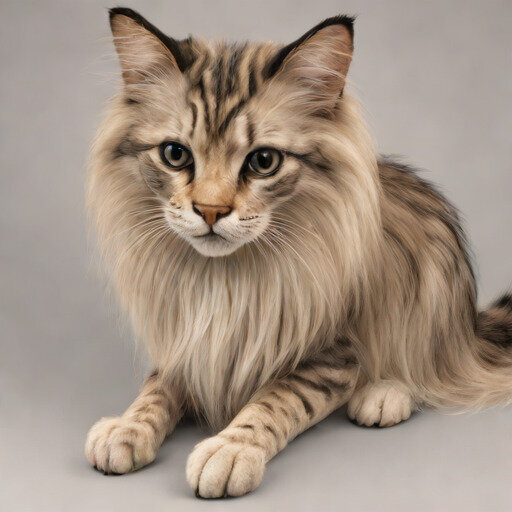
The gallery below shows every render from tonight’s session—kaiju fluff studies, Siamese lighting tests, a crab spirit, and the animorph experiment. Each set shares prompts but diverges only by seed so I can compare composition side by side.






From quick picks to polish
Once I have a keeper from SDXL Turbo, I feed that render back in as the reference image and flip the model selector to Juggernaut XL V9. Turbo hands me options in two to five seconds, while Juggernaut takes closer to forty seconds but pays it off with richer fabrics, skin, and lighting.

This is not a replacement for real photographers or illustrators—it is just a DIY path for mock images when budget is tight or you need placeholder art you can spin up yourself, assuming your hardware can run the models.
Video capture for context
The workflow is light enough that I can screen record concept passes while Turbo renders in the background.
Why this matters
Because everything runs on-device, I can prototype without internet, keep client prompts private, and avoid the latency of cloud inference. SDXL Turbo loves short step counts, so pairing it with a disciplined three-step recipe keeps ideation nimble. I have stopped bouncing to paid assistants unless I need help writing copy—visual ideas live entirely inside Draw Things.